Configure your MachineTrader™ profile to enable trading through our partner broker-dealer, Alpaca Markets, and set your watchlist as the list of tickers you'll want to use as market indicators.
There are two methods for adding your Alpaca API keys to MachineTrader™. The first method involves simply retrieving the API keys from Alpaca and pasting them into MachineTrader™. However, this requires regenerating your "Secret Key," which means you will need to update any application currently running using your API keys. The second method is to use the Alpaca "OAuth" method described below.
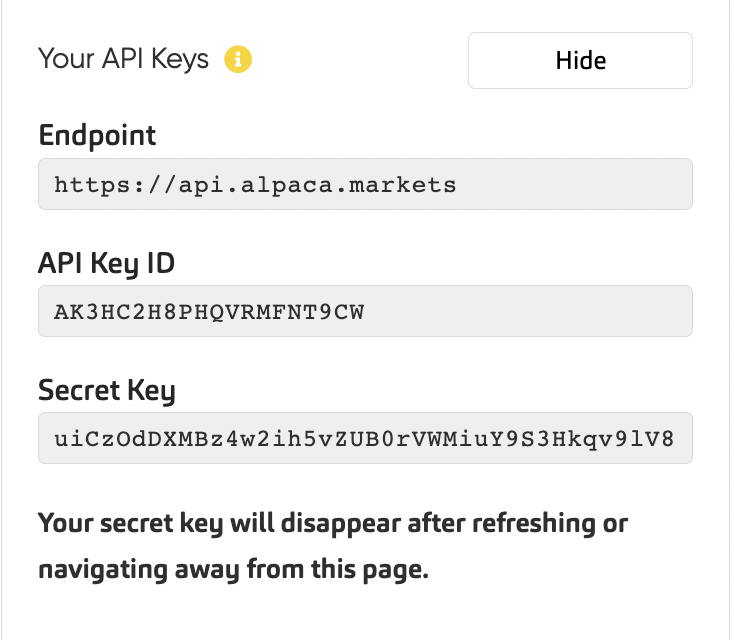
To copy and paste your Alpaca keys, navigate to the "Overview" page (https://app.alpaca.markets/brokerage/dashboard/overview), and start by selecting the "live" account. Look for the API keys at the top right of the page.
Open your MachineTrader™ profile page in another tab.
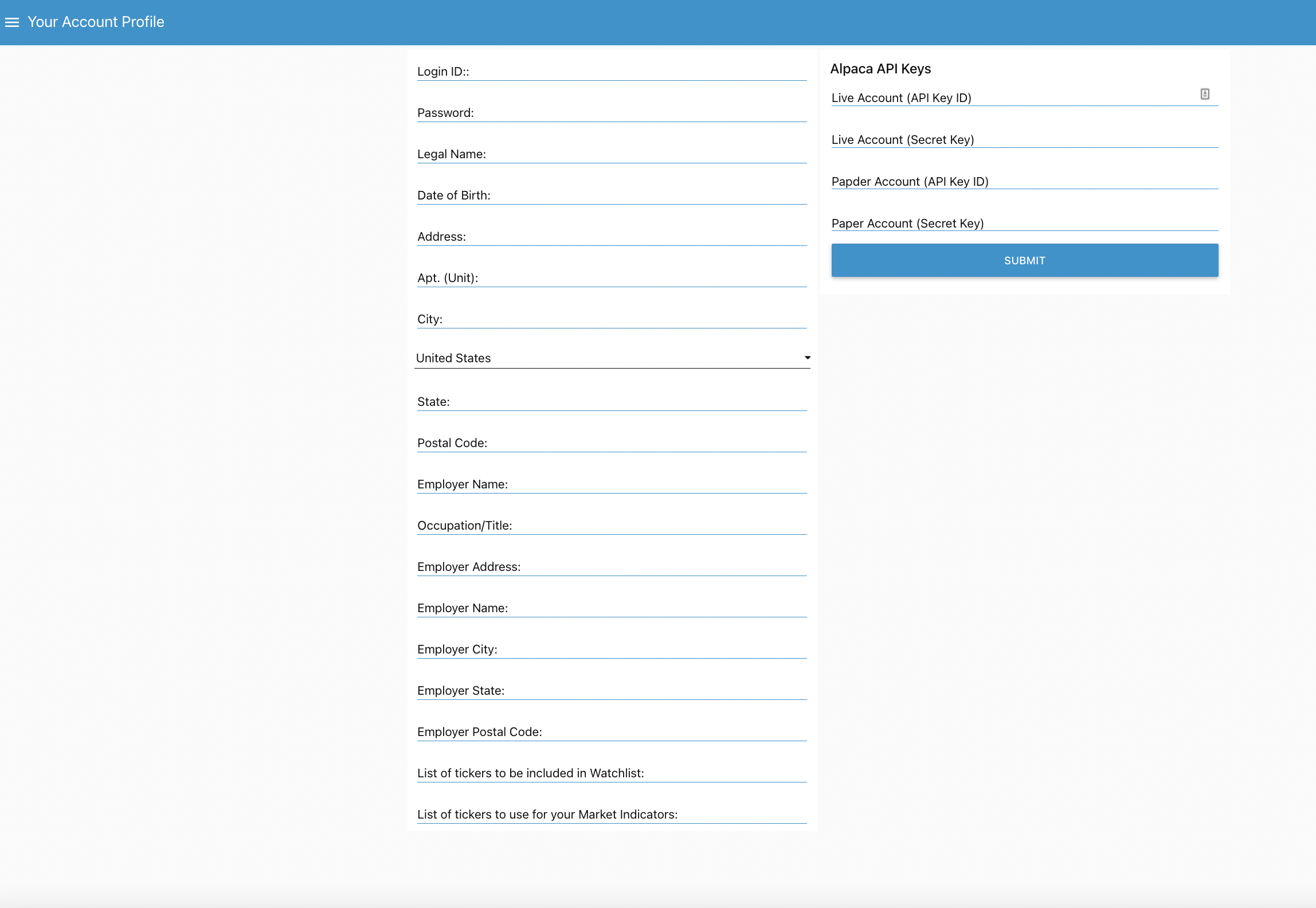
Start by copying the Live Account Key ID and Secret Key, and pasting into the appropriate fields on your profile page. Once the Live Account keys are copied, switch to your Paper Account and copy those keys as well.
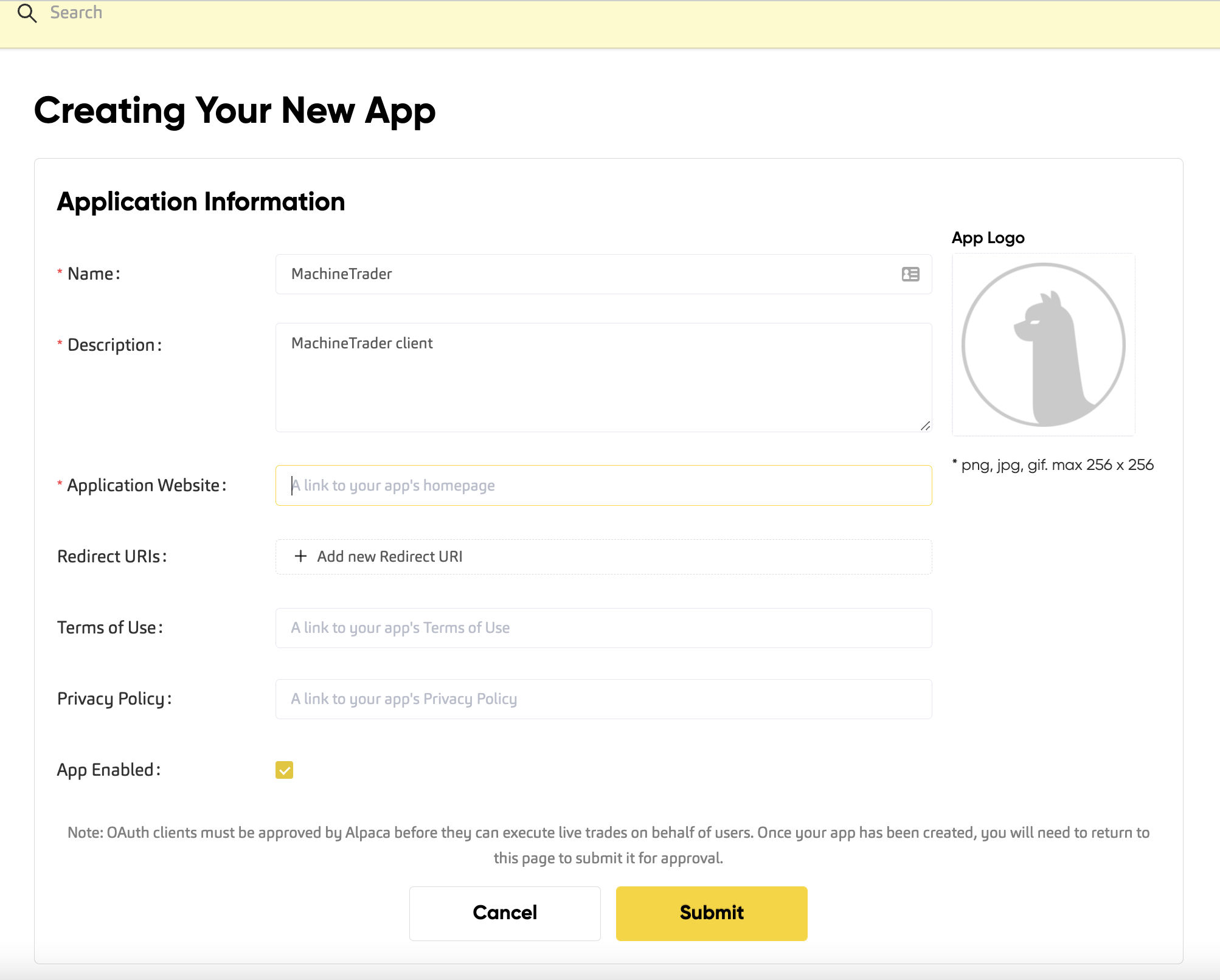
The "OAuth" method also starts from the Alpaca Overview page by navigation from the OAuth Apps link in the left navigation. You then need to add MachineTrader™ as a new app to your account. You will have to complete the form using the language provided below, except for the Application Website address, which should be entered as the home page of your unique MachineTrader™ client.
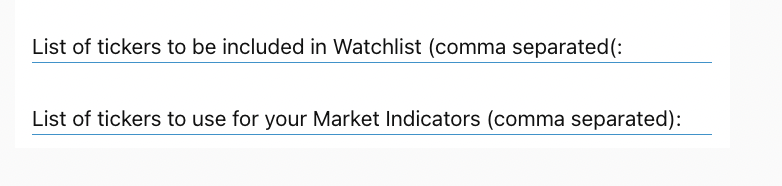
After you have added your Alpaca keys, you will want to set up your Watchlist and to overwrite the default Market Indicators (if you choose). To add tickers or crypto pairs to the Watchlist, simply paste a comma separated list of tickers in the Watchlist field on your profile page. Later, you will be able to edit the list from the Watchlist detail page. Note that if you have entered the tickers or cryptos incorrectly, they will not appear.
The Market Indicators are set by default to SPY (S&P 500 ETF), QQQ (Nasdaq), VXX (volatility index), and BTCUSD (Bitcoin). You can add any market indicators you'd like to use by inserting them in the market indicator field.