

Node-RED is even easier to use with the latest advances in AI models. In this example, we will use the free version of Gemini to create a Node-RED Flow. Note that the prompt refers to the Alpaca API keys that were stored in your instance when you activated your Alpaca paper account.
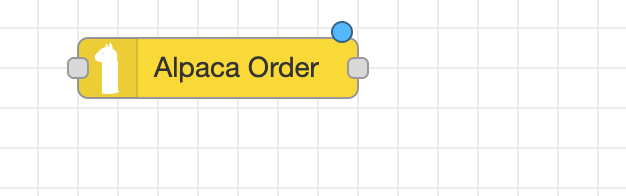
We're going to ask Gemini to help us create a simple scalping strategy. To start, we will need to show Gemini the content of our prebuilt Alpaca Order Node. Navigate to the lefthand sidebar and search for Alpaca Order.
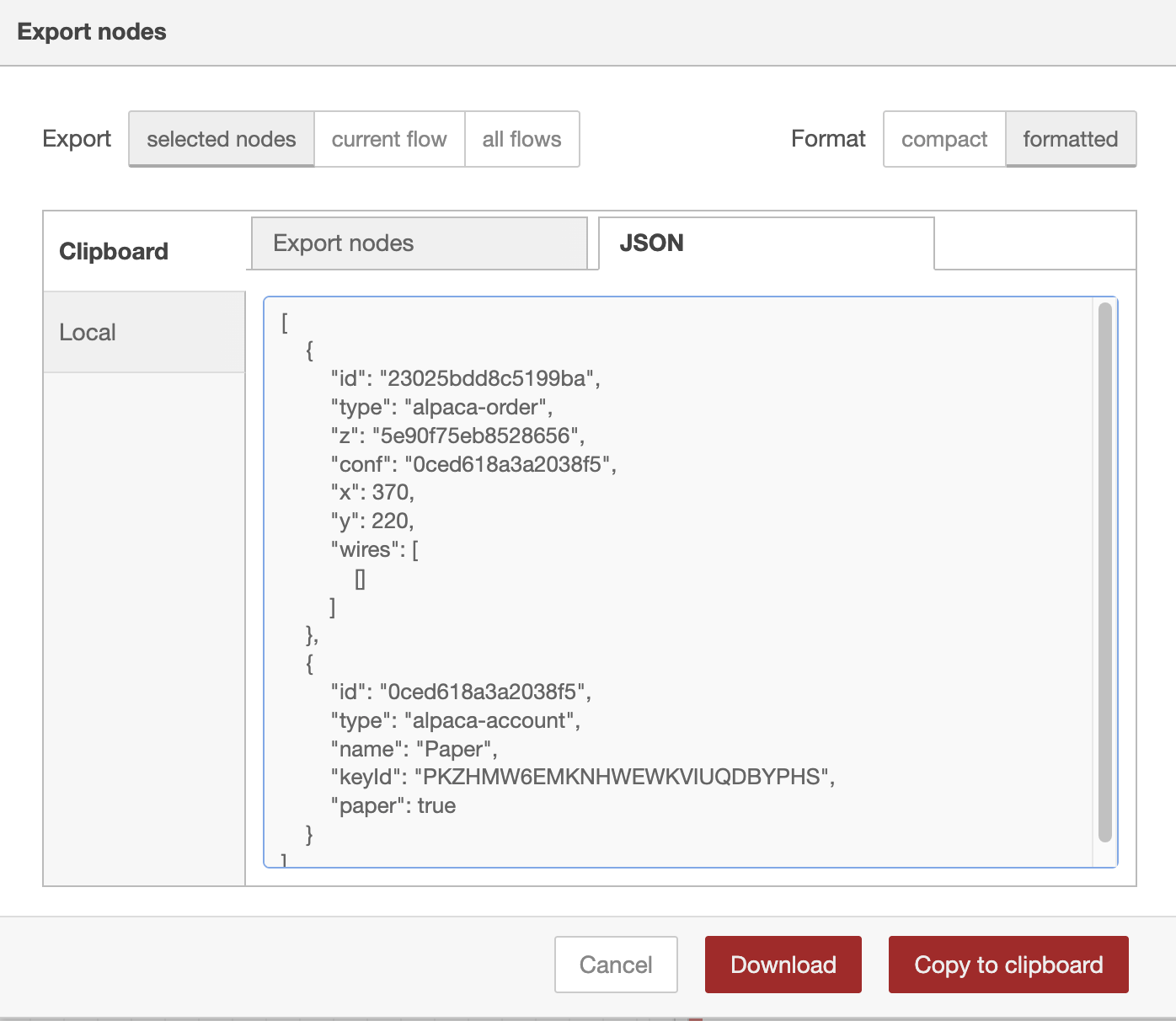
"Create a simple scalping strategy trading TSLA every minute using Node Red and trading with the Alpaca API. My API Keys are: global.get('apiKeyPaper') global.get('apiSecretPaper') Use my Alpaca order node:"<\p>
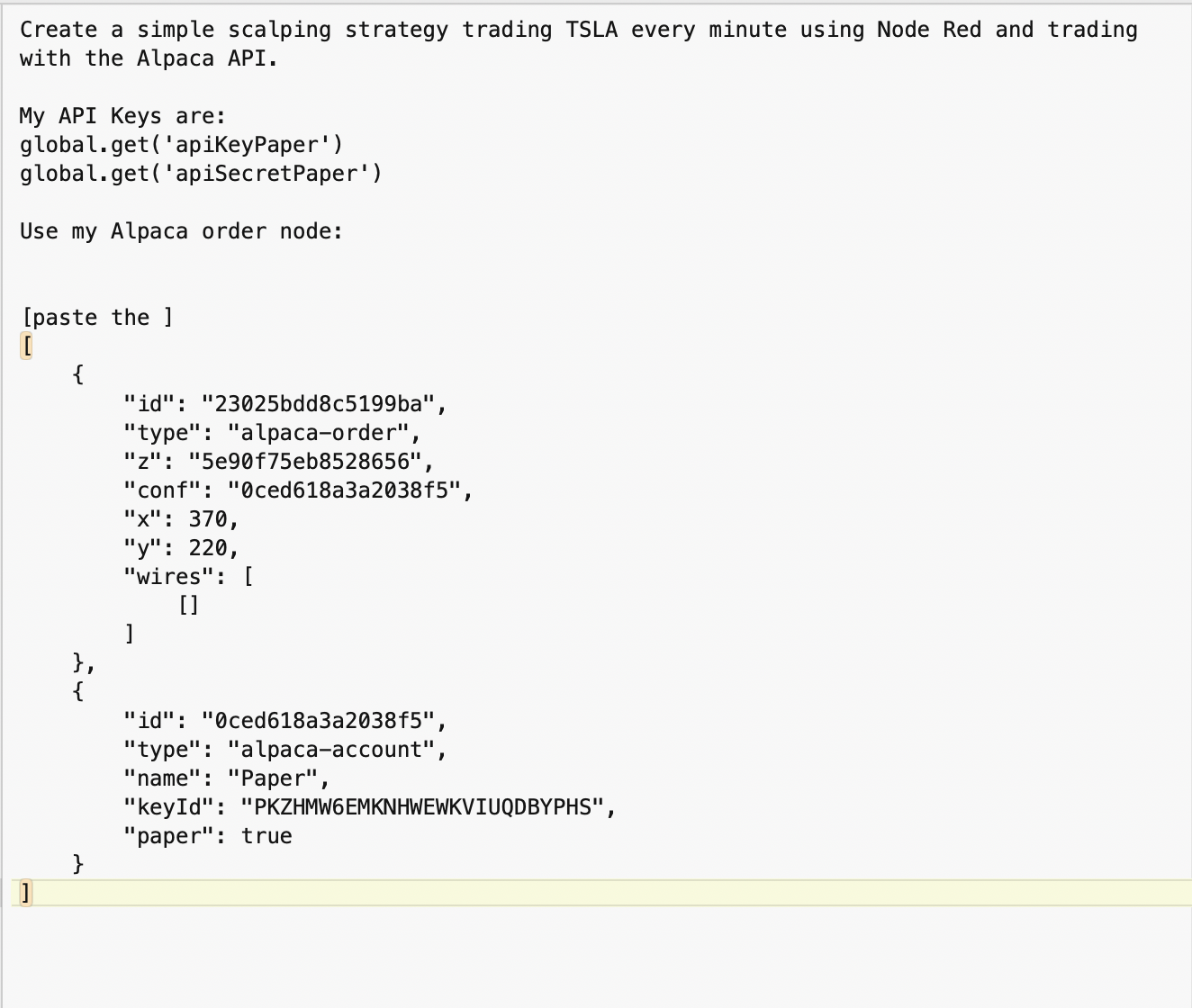
Navigate to gemini.google.com and enter the text from your text editor as the prompt:
"Create a simple scalping strategy trading TSLA every minute using Node Red and trading with the Alpaca API. My API Keys are: global.get('apiKeyPaper') global.get('apiSecretPaper') Use my Alpaca order node: [paste the ] [ { "id": "23025bdd8c5199ba", "type": "alpaca-order", "z": "5e90f75eb8528656", "conf": "0ced618a3a2038f5", "x": 370, "y": 220, "wires": [ [] ] }, { "id": "0ced618a3a2038f5", "type": "alpaca-account", "name": "Paper", "keyId": "PKZHMW6EMKNHWEWKVIUQDBYPHS", "paper": true } ] "
Gemini will return the following:
Creating a scalping strategy for TSLA (Tesla) requires a flow that consistently monitors price action and executes trades based on quick momentum shifts.
Since you are using Node-RED with the alpaca-order node, we will set up a logic that triggers every minute. A common, effective 1-minute strategy is the 9/21 EMA Crossover, where we buy when the fast moving average (9) crosses above the slow one (21).
This flow uses an Inject node as a "heartbeat" to check the market every minute.
You can copy the logic below into a Function Node placed right before your Alpaca Order node.
First, use an alpaca-get-bars node (if you have it installed) or an HTTP request to get the last 25 minutes of TSLA data.
| Symbol | TSLA |
| Timeframe | 1Min |
| Limit | 25 |
Place this code in a Function node. It pulls your keys from the global context as requested and determines if it's time to Buy or Sell.
// 1. Retrieve API Keys from global context
const apiKey = global.get('apiKeyPaper');
const apiSecret = global.get('apiSecretPaper');

// 2. Simple EMA Calculation (Approximation for Scalping)
const bars = msg.payload; // Assumes msg.payload is an array of bar objects
if (!bars || bars.length < 21) return null;

const closePrices = bars.map(b => b.ClosePrice);

const getEMA = (data, periods) => {
    const k = 2 / (periods + 1);
    return data.reduce((acc, val) => val * k + acc * (1 - k));
};

const ema9 = getEMA(closePrices.slice(-9), 9);
const ema21 = getEMA(closePrices.slice(-21), 21);

// 3. Strategy Decision
let side = "";
if (ema9 > ema21) {
    side = "buy";
} else {
    side = "sell";
}

// 4. Prepare Alpaca Order Payload
msg.payload = {
    symbol: "TSLA",
    qty: 1,              // Adjust quantity based on your balance
    side: side,
    type: "market",      // Market order for instant execution in scalping
    time_in_force: "day"
};

return msg;Navigate to your instance and connect the nodes required to implement the trading flow.
Important Note: Scalping TSLA on a 1-minute timeframe involves high volatility. Because you are using the Paper Trading environment, you won't lose real money, but keep in mind that "Pattern Day Trader" (PDT) rules usually require a $25,000 balance for this frequency in a live account.
| Node | Purpose |
|---|---|
| Inject Node | Set to repeat every 1 minute. |
| Alpaca Get Bars | Fetches the latest price action for TSLA. |
| Function Node | Calculates the EMA crossover and sets msg.payload.side. |
| Alpaca Order Node | Receives the payload and executes the trade. |


